Virtual Try-On for WooCommerce Clothing Stores: What Fashion Sellers Should Check Before Installing a Plugin
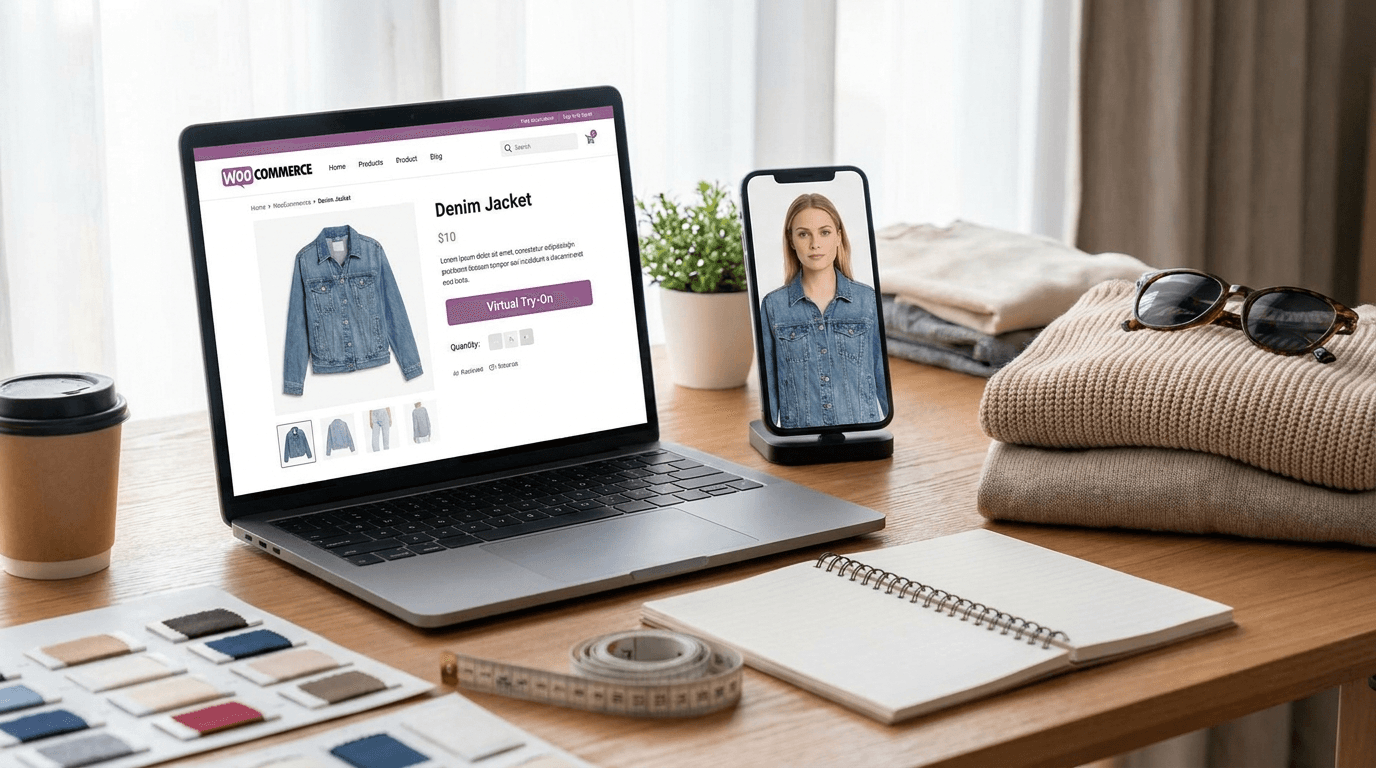
Fashion merchants running on WooCommerce are under pressure from every angle: acquisition costs are up, shoppers want more confidence before purchase, and apparel returns can destroy margin. That is why virtual try on WooCommerce has moved from a novelty feature to a serious evaluation item for clothing stores, especially for merchants selling categories where fit, styling, and self-image matter.
But installing the first WooCommerce virtual try-on plugin you find is rarely the right move. Demo videos often look polished, yet the real merchant questions are operational: Will it work on mobile? Can it handle your garment categories? Does it fit your theme and product workflow? Is shopper photo handling safe? And for Indian fashion sellers, will it support sarees, lehengas, kurtis, and dupattas in a commercially useful way?
Why WooCommerce fashion stores are adding virtual try-on
Shoppers hesitate when a product photo is beautiful but hard to translate to their own body or styling context. A try-on experience promises a better answer to the question, "Will this suit me?" For merchants, the upside is not just novelty. The goal is to improve buyer confidence, increase add-to-cart intent, and help the shopper stay engaged long enough to move toward purchase.
This is especially relevant for clothing stores that rely on mobile traffic, social traffic, and repeat catalog browsing. In those cases, a strong AI virtual try-on for clothing store setup can become part of the conversion journey rather than a side widget few people use.
What the market promises vs. what merchants actually need
Most virtual fitting tools promise more conversions and fewer returns. That may happen, but only if the workflow is good enough to be used. Merchants should evaluate virtual try-on like any other revenue tool: by category fit, product-page experience, privacy policy, implementation effort, and measurable results. A flashy demo is not a rollout plan.
The 8 checks to make before installing a WooCommerce try-on tool
- Garment category fit: Check whether the system is actually suited to your product types, not just generic tops or dresses.
- Image input quality requirements: Understand what product photography is needed for reliable outputs.
- Variant handling: Size, color, print, sleeve, and set-based styling should fit your catalog logic.
- Mobile UX: Most shoppers will try this on a phone, not a desktop.
- Theme compatibility: The feature should fit your WordPress storefront without awkward overlays or broken layouts.
- Privacy and photo retention: Know how shopper photos are handled, stored, or deleted.
- Analytics and attribution: You should be able to measure use, engagement, and conversion impact.
- Rollout workflow: Pilot on selected SKUs before trying to launch across your whole store.
1) Check garment category fit first
Some tools work best on simpler categories such as T-shirts, shirts, or single-piece western wear. That does not automatically translate to sarees, lehengas, layered ethnic sets, or dupattas. Before you install anything, ask for examples that look like your actual catalog. A store selling festive lehengas has very different needs from a streetwear brand or a basics store.
2) Understand the image input requirements
Even the best WordPress clothing try-on plugin can underperform if the source product images are poor. Ask whether the tool needs cutouts, flatlays, mannequin shots, or existing model photos. If your catalog images vary heavily in angle, shadow, or crop, plan cleanup before rollout. Input discipline often decides whether try-on feels premium or gimmicky.
3) Review how the system handles variants
Fashion commerce is full of variation. A single product may have multiple colors, sleeve options, print versions, or coordinated sets. If the try-on flow cannot map variants clearly, shoppers may engage with the feature but still lose trust before purchase. For ethnic wear, this gets even more important when dupatta styling, blouse pairing, or embellishment differences affect perceived value.
4) Test the full mobile UX, not just the try-on output
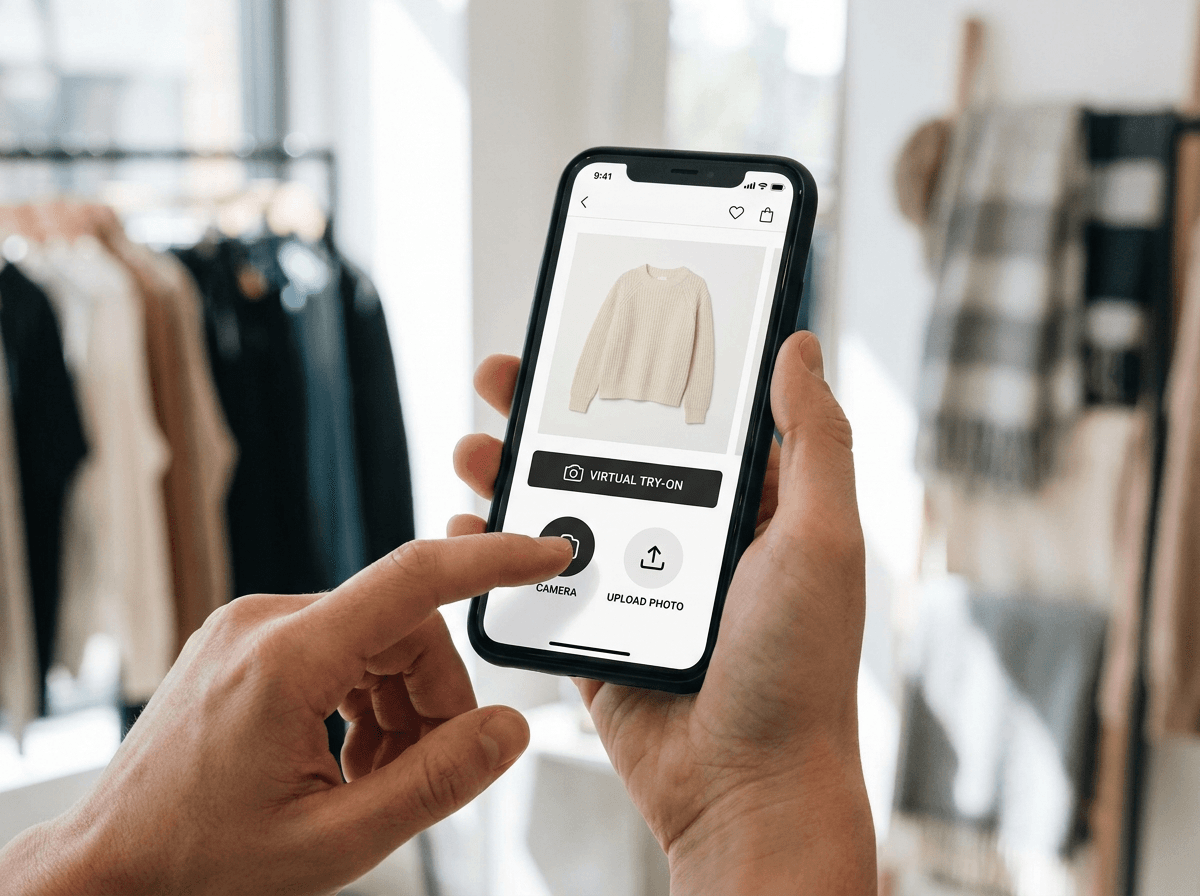
The output image matters, but the journey matters more. Count the taps from product page to result. Check load time, camera permission prompts, gallery upload behavior, crop guidance, and whether the shopper knows what to do next. A good virtual fitting room WooCommerce experience should feel lightweight enough to try without abandoning the page.
5) Make sure it fits your theme and storefront behavior
WooCommerce stores are rarely identical. Theme compatibility affects button placement, modal behavior, product gallery interaction, and add-to-cart flow. Some stores need a plugin; others are better served through an API or custom embed if they want tighter control. If your design is highly customized, test how the feature appears on collection pages, quick-view modules, and product detail pages.
6) Treat shopper photo consent and retention as a product requirement
If customers upload or capture their own image, privacy is not a side note. Merchants should know what consent text is shown, how long photos are retained, whether images are used for training or only processing, and how deletion is handled. Clear answers here build trust and reduce hesitation, especially on mobile where the shopper is making a quick personal-data decision.
7) Ask how you will measure impact
A try-on feature should not live outside your commerce metrics. Track usage rate, product-page engagement, add-to-cart lift, assisted conversion, and any changes in return patterns for tried-on products. Even if your tool is not a full analytics suite, it should support enough instrumentation to tell whether the feature is helping or merely occupying space.
8) Plan the rollout workflow before you launch
Do not start with every SKU. Start with the products where visual confidence matters most and catalog photography is already strong. That gives you cleaner data and a more controlled customer experience. For most stores, a focused launch beats a storewide rollout that creates support questions faster than it creates revenue.
Special considerations for sarees, lehengas, dupattas, and ethnic wear
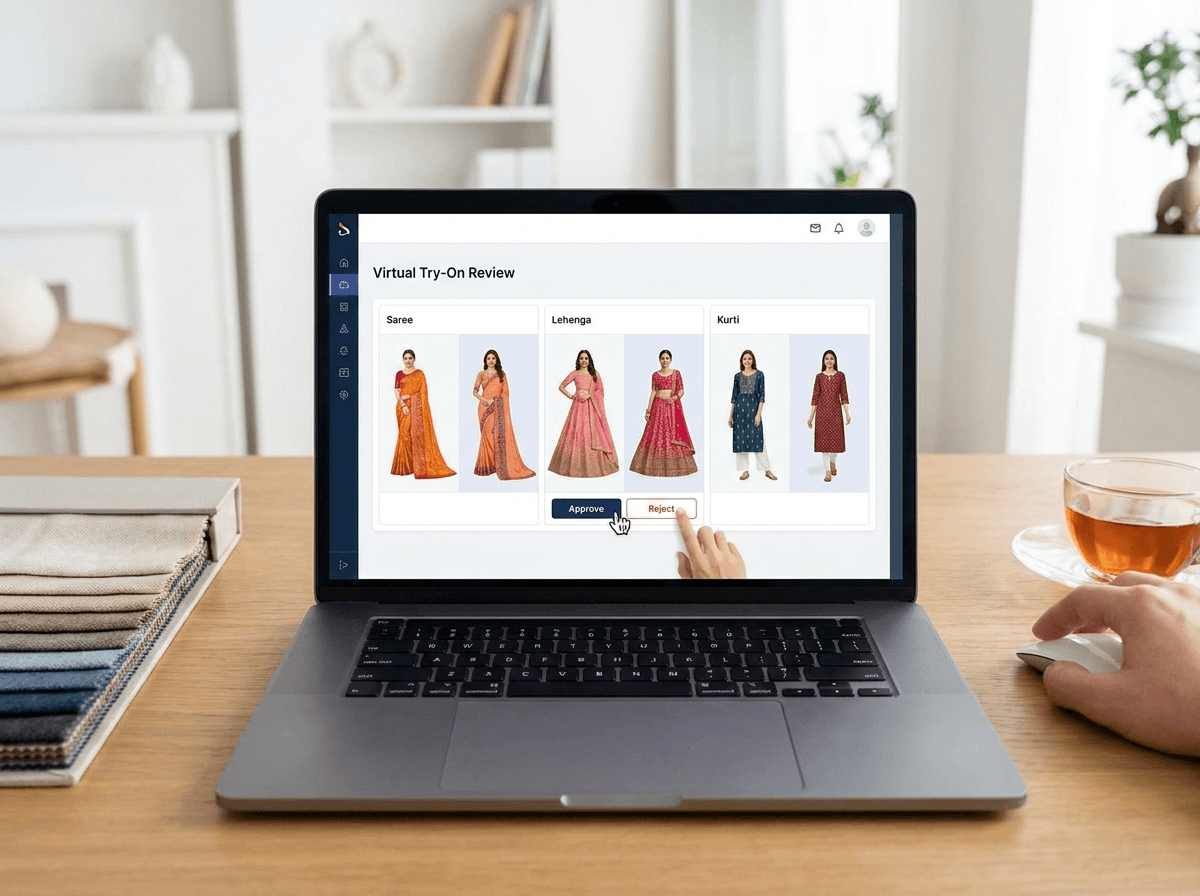
Ethnic wear deserves separate evaluation because these products involve drape, layering, and styling interpretation. If you sell sarees or lehengas, do not assume that a tool built for western apparel will automatically create believable results. The harder the garment is to represent, the more important it is to validate on your real catalog.
- Sarees: Assess whether the result respects drape logic and does not distort pallu or border presentation.
- Lehengas: Check silhouette balance, blouse proportion, and whether volume looks intentional rather than inflated.
- Dupattas and layered sets: Make sure overlays, overlaps, and edge handling remain clean.
- Kurtis and simpler ethnic styles: These may be easier entry points for a first pilot if your assortment is broad.
Virtual try-on vs. AI catalog images: they solve different problems
Merchants often compare try-on with AI model generation as if they are interchangeable. They are not. Virtual try-on is a shopper-facing experience designed to help the customer imagine themselves in the product. AI catalog image generation is a merchant-facing production workflow used to create better product photos, campaign assets, or model imagery. Many fashion sellers need both, but they should not buy one expecting it to do the other's job.
Should you launch virtual try-on on every SKU?
Usually, no. Launch first on bestsellers, high-consideration products, or categories where styling confidence drives hesitation. This gives you cleaner learning and reduces implementation complexity. Once you understand how shoppers use the feature, you can expand to more products, more variants, or more seasonal collections.
“A strong pilot does not start with your biggest catalog. It starts with the products where better visual confidence can change buying behavior fastest.”
— Vtryon Editorial
A practical pilot plan for 20 products
- Choose 20 products: Include a mix of bestsellers and high-consideration items.
- Prioritize strong source imagery: Do not test the tool with messy product assets.
- Cover one or two key categories: For example, kurtis plus sarees, or western dresses plus ethnic sets.
- Track baseline metrics first: Product views, add-to-cart rate, conversion rate, and returns where available.
- Launch on mobile-first pages: That is where most usage is likely to happen.
- Review support feedback: Note customer confusion, privacy questions, and page-speed concerns.
- Expand only after review: If usage is low or outputs feel weak, fix workflow before scaling.
Final recommendation for WooCommerce merchants
If you are evaluating customer photo try-on for clothing stores, treat it like a conversion product, not a novelty plugin. Ask hard questions about category fit, mobile UX, privacy, analytics, and rollout control. If you also need stronger product imagery, pair your try-on evaluation with an AI catalog workflow rather than forcing one tool to do both jobs. For Vtryon, the best-fit merchants are usually the ones who pilot carefully, validate on real SKUs, and expand only after the feature proves itself.
Ready to compare options? Review Vtryon's WooCommerce and API workflow, check pricing, evaluate consent and output-quality FAQs, and consider pairing your try-on rollout with a companion AI catalog strategy for sarees and ethnic wear.